



Critical PHP security update: what website owners should do
On October 21, 2026, CISA urged organizations to patch two critical PHP vulnerabilities, CVE-2026-109618 and CVE-2026-109619. PHP runs behind many business websites, including WordPress. The update belongs to the server runtime, so a WordPress plugin update alone does not fix it. Here is what website owners should check now.
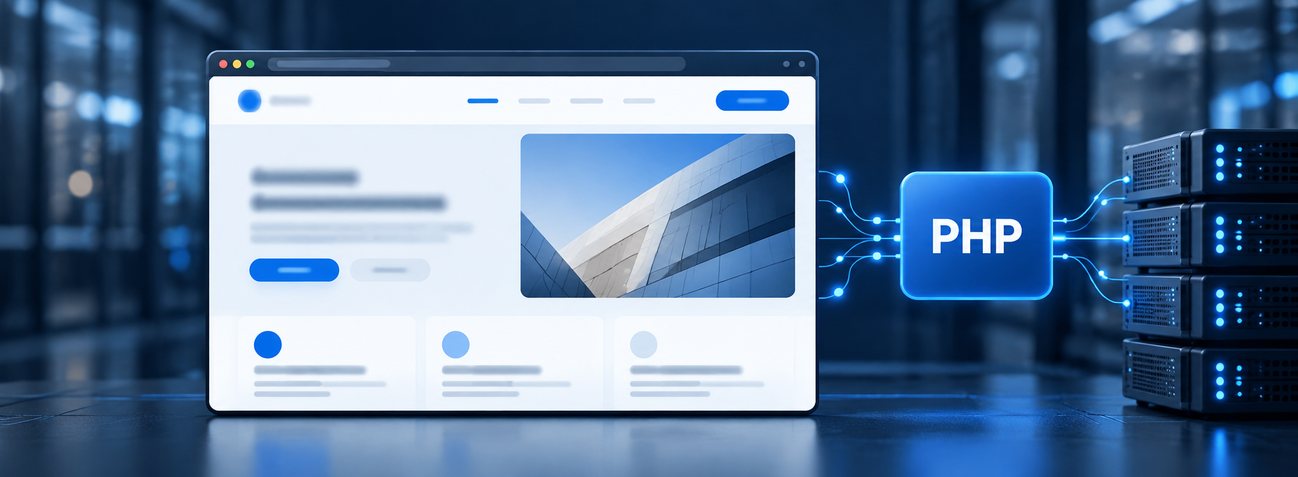
Why a PHP update matters to your website
PHP powers the server side of WordPress and many other business sites. Updating WordPress or a plugin does not update the server’s PHP runtime. Many hosting providers handle PHP security updates automatically, so website owners usually do not need to install this update themselves. Ask your host whether the fix is in place for your live site. Not every website uses PHP, and this alert does not mean every PHP site has been compromised.
The key question: which PHP build is actually serving your live website today?
Confirm the running PHP build
Ask the provider to check the PHP package serving each live site, portal, staging site, and custom application. The PHP project fixed the flaws in 8.5.12, 8.4.27, 8.3.36, and 8.2.35. A hosting vendor may backport the fix into its own package; ask for confirmation rather than judging only by a version label.
Apply the update promptly
The PHP project says an update is the only complete fix. Many hosts install PHP security updates automatically. Ask your provider to confirm that a fixed release or vendor-supported backport is running on your live site. If the fix is pending, ask when it will be deployed. PHP 8.1 and older no longer receive updates from the PHP project, so sites on an old branch need an upgrade plan with the host. Make sure a restorable file and database backup exists before a version change.
Test the website after patching
Use staging when possible, then test the live site after deployment. Check logins, contact forms, online payments, bookings, and the integrations your business relies on. Verify that the host patched the runtime actually serving web requests, and review error logs for new failures.
Watch for signs of trouble
Patching closes the known flaws; it does not undo a compromise that may have happened earlier. If you see unexpected administrator accounts, file changes, redirects, or unusual server activity, have your security or hosting team investigate. Avoid making a public claim that a site is affected until its actual configuration is checked.
What this means for clients
If your host applies PHP updates automatically, ask for confirmation that this specific fix is deployed, then test your business-critical site features. If someone else manages the site, send them the CISA alert and request the same evidence. Endless can coordinate the check and post-update testing for websites we manage; each client environment needs its own verification.

- Inventory: Include live sites, portals, staging sites, and custom PHP applications.
- Patch: Confirm a fixed PHP release or vendor-supported backport is installed.
- Back up: Keep a restorable copy of website files and the database.
- Test: Check forms, logins, checkout, bookings, and integrations.
- Verify: Confirm the live runtime is patched and review error logs.
- Investigate: Treat unexpected accounts, redirects, or file changes as a separate security issue.
What to do next
If your business has a website, ask your host or web provider whether it uses PHP and whether the October 21 fix is installed in the PHP runtime serving the live site. An unpatched, affected server could let an attacker run code and put the website and its data at risk. Updating a WordPress plugin alone does not fix server PHP.
Need help checking? Tell us about your website. We can review the hosting setup, coordinate with the provider, and help test forms, logins, bookings, checkout, and integrations after the update.
Sources: CISA alert, PHP project security advisory, and WordPress server requirements.