



Planning a Business Phone System: Six Questions to Ask
A new phone system should make it easy for customers to reach the right person and for your team to follow up. Before comparing equipment or monthly plans, map what should happen when someone calls, texts, or reaches you after hours. These six questions will help you scope a practical setup and avoid surprises during the switch.
Start with the caller's path
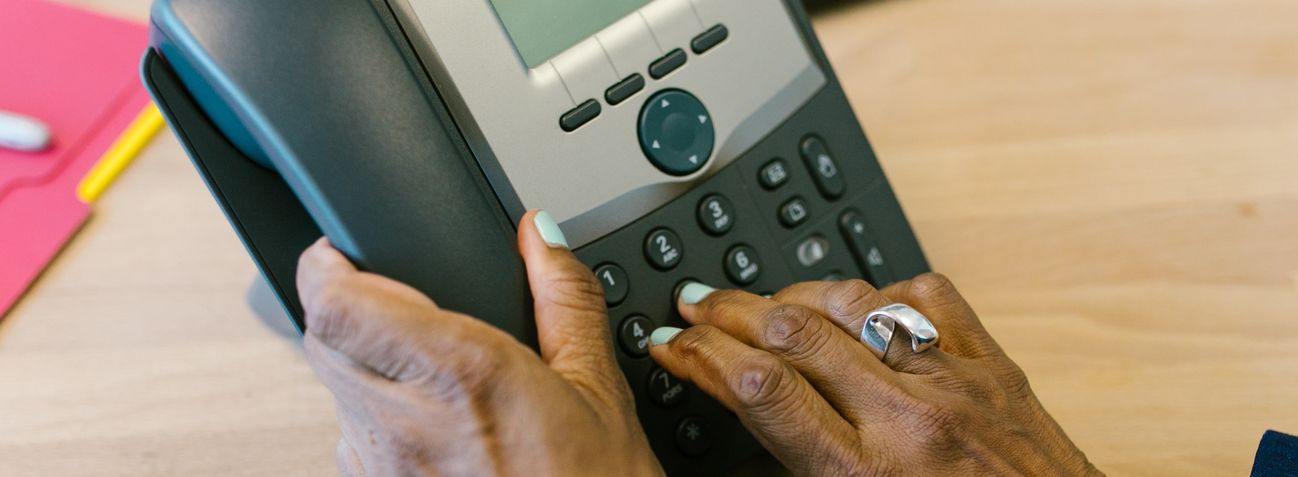
Before comparing features, sketch a normal call from greeting to answer. Who gets the first ring? Where should a call go when that person is busy, away or closed? A simple plan for routing, voicemail and follow-up makes it easier to compare hosted systems and an on-site PBX.
If your front desk cannot answer, where should the call go next?
Route calls around your work
Decide whether calls should ring one person, a group or a queue, and what callers hear after hours or on holidays. Available routing options depend on the system and plan you choose.
Choose how each person answers
A reception desk may need a physical phone. Someone moving between locations may prefer a supported mobile or computer app. Count the people, numbers and devices your quote needs to cover.
Plan messages and handoffs
If business texting would help, ask whether the chosen number and plan support it, who will monitor replies and what setup is required. Explore AI-assisted features through a specific demo rather than assuming they are included.

- Call path: Who answers first, and where does a call go when that person is busy?
- After hours: What should callers hear on evenings, weekends and holidays?
- Devices: Who needs a desk phone, mobile app or computer calling?
- Texting: Would a business text number help, and who will respond?
- System choice: Should you compare a hosted system with an on-site PBX, and what network and power needs follow?
- Full scope: What will equipment, setup, number transfer, training and ongoing support include?
Plan the switch, not just the purchase
Before changing systems, list the phone numbers, greetings, extensions and connected devices you still use. Confirm number-transfer timing, network and power needs, training, and who handles changes after installation.
Endless can help compare a hosted phone system and an on-site PBX, then scope the setup that fits your business. See Business Phone Systems or tell us how you handle calls today.